
Overview
Welcome to the MAYAR Account Creation process! In this guide, we will walk you through the steps of creating a MAYAR account, so you can smoothly manage your business transactions and payments. Whether you are a new MAYAR user or looking to create a trial account, we are here to assist you.- Sign Up: To get started with MAYAR, please go to mayar.id and register to unlock a fast and simple payment solution.
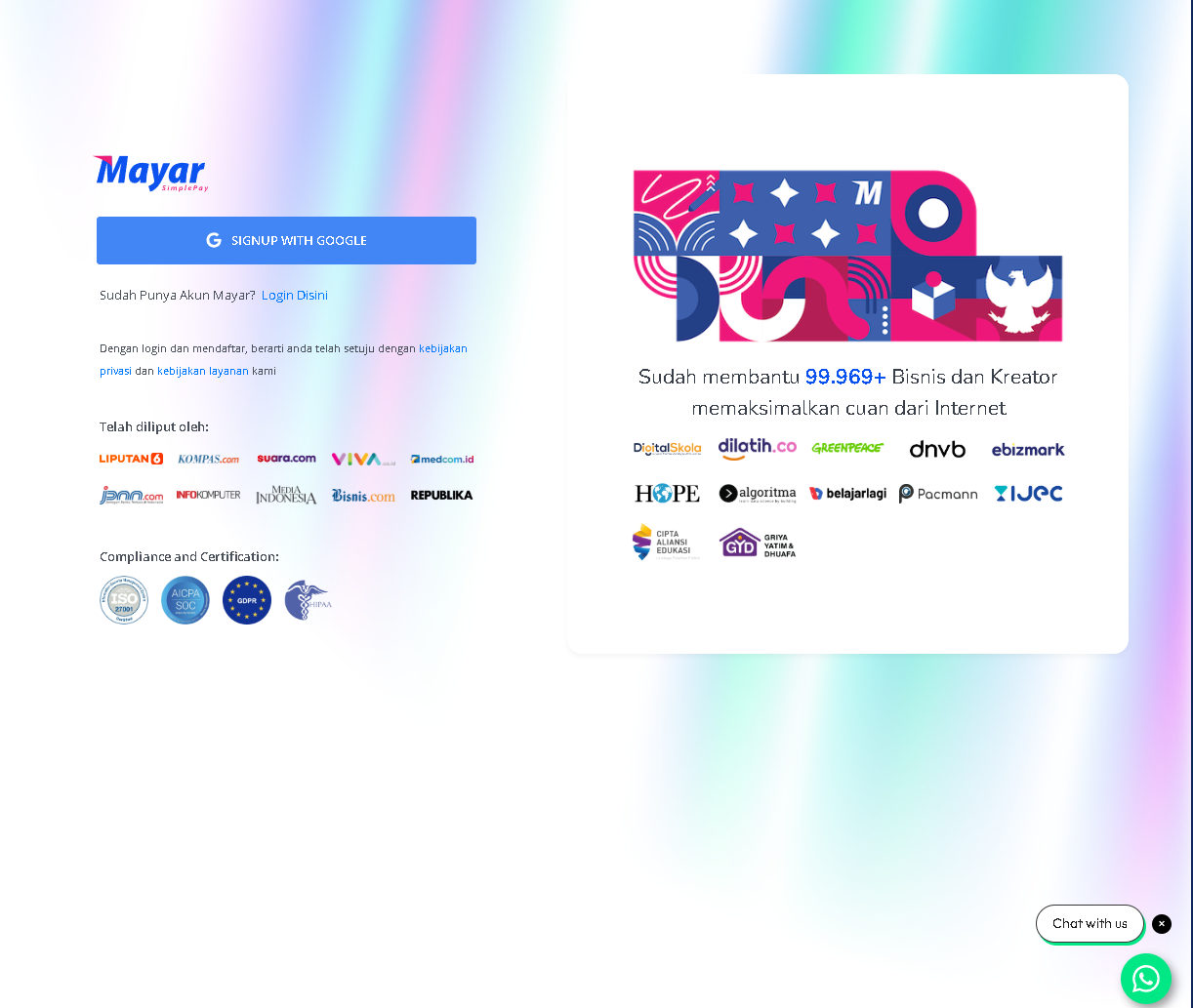
Follow these steps to create your account:
1
Create an Account
First, create a new account on the MAYAR platform. You will need to sign up using your Google account. After registering, you will receive a “Welcome to MAYAR” email.
2
Complete Business Details
After logging in with your Google account, you will be asked to fill in your business information, including: Business name, Phone number, Monthly revenue, Products or services offered, Number of employees, Upload your business logo, and How you found out about MAYAR.
3
Set Up Bank Account
Now, add your bank account or e-wallet details (GoPay, OVO, Dana, ShopeePay, Mandiri E-Cash, LinkAja). This is where you will receive payments from your product sales.
4
Verify Your Account
Before you can start selling, you need to verify your account. This means uploading some documents to confirm your identity and business.
5
Add Products to Sell
Once your account is verified, you can start adding your products to the MAYAR platform.