> ## Documentation Index
> Fetch the complete documentation index at: https://docs.mayar.id/llms.txt
> Use this file to discover all available pages before exploring further.
# Account Setup
> Create your MAYAR account and start receiving payments in minutes.
## Overview
Welcome to the MAYAR Account Creation process! In this guide, we will walk you through the steps of creating a MAYAR account, so you can smoothly manage your business transactions and payments. Whether you are a new MAYAR user or looking to create a trial account, we are here to assist you.
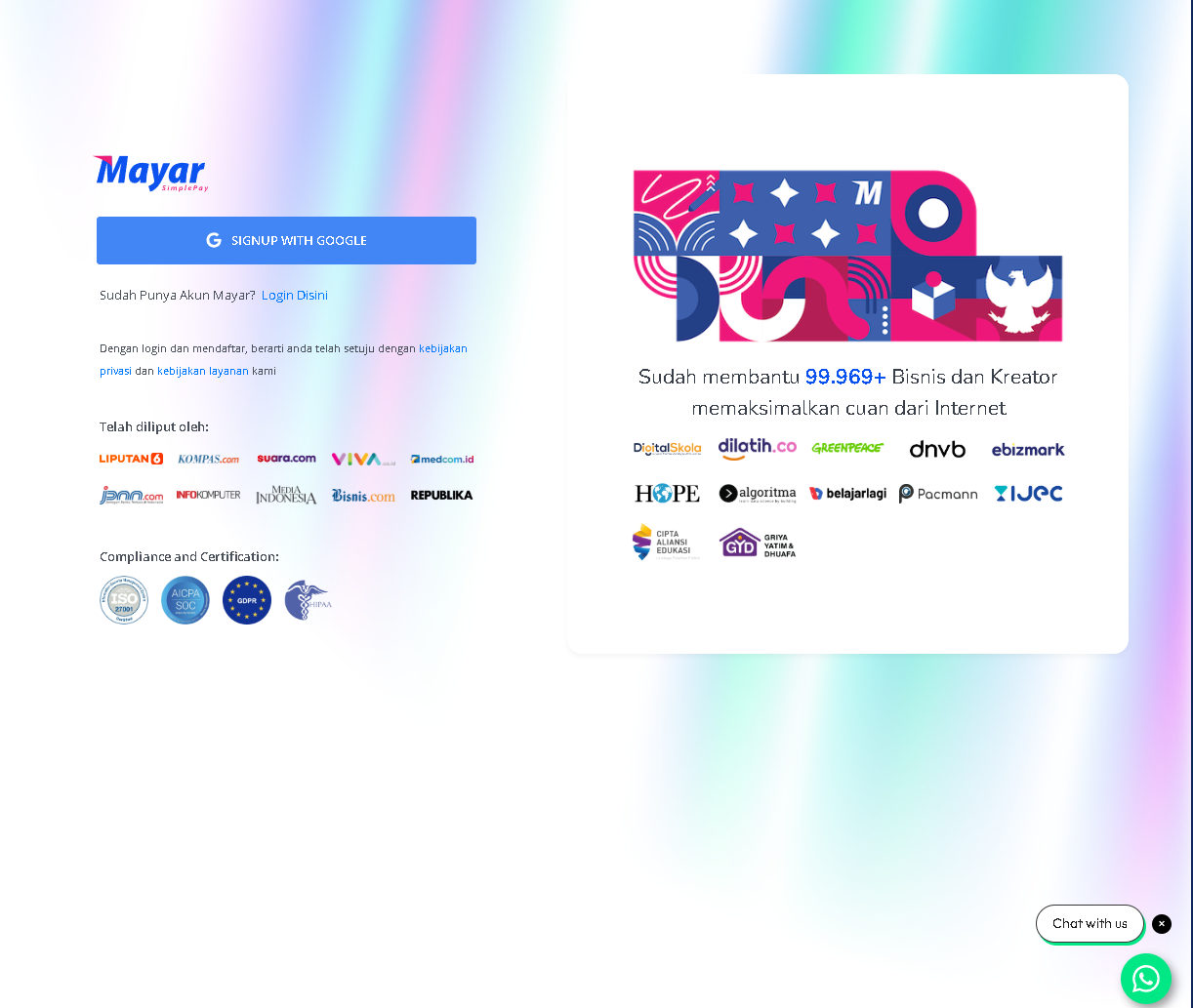
* **Sign Up**: To get started with MAYAR, please go to [mayar.id](http://mayar.id) and register to unlock a fast and simple payment solution.
 ### **Follow these steps to create your account:**
First, create a new account on the MAYAR platform. You will need to sign up using your Google account. After registering, you will receive a "Welcome to MAYAR" email.
After logging in with your Google account, you will be asked to fill in your business information, including: Business name, Phone number, Monthly revenue, Products or services offered, Number of employees, Upload your business logo, and How you found out about MAYAR.
Now, add your bank account or e-wallet details (GoPay, OVO, Dana, ShopeePay, Mandiri E-Cash, LinkAja). This is where you will receive payments from your product sales.
Before you can start selling, you need to verify your account. This means uploading some documents to confirm your identity and business.
Once your account is verified, you can start adding your products to the MAYAR platform.
### **Follow these steps to create your account:**
First, create a new account on the MAYAR platform. You will need to sign up using your Google account. After registering, you will receive a "Welcome to MAYAR" email.
After logging in with your Google account, you will be asked to fill in your business information, including: Business name, Phone number, Monthly revenue, Products or services offered, Number of employees, Upload your business logo, and How you found out about MAYAR.
Now, add your bank account or e-wallet details (GoPay, OVO, Dana, ShopeePay, Mandiri E-Cash, LinkAja). This is where you will receive payments from your product sales.
Before you can start selling, you need to verify your account. This means uploading some documents to confirm your identity and business.
Once your account is verified, you can start adding your products to the MAYAR platform.